Desktop Ticker for Employee Communications
Scrolling Newsfeed To Deliver Important Updates


High Visibility Real-Time Staff Updates
A desktop ticker is a narrow window of scrolling text typically displayed at the bottom of a computer screen.
Important information is delivered to employees seamlessly, in near real-time. Employees scan messages to consume content fast – without interrupting their work.
Short, snappy formats with bite-size content achieve high readership.
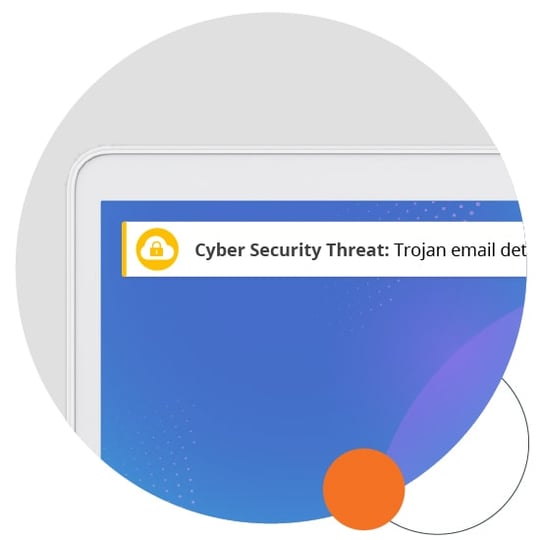
Adaptable for Diverse Communication Needs
Highly visible, customizable, yet nonintrusive, scrolling tickers bypass overloaded email channels for maximum attention, low disruption.
IT and security notifications, company events, new policies, project status updates, and more are communicated quickly and easily.
Signpost company updates and latest news. Remind staff of important information. Link to intranets or online resources for more details.
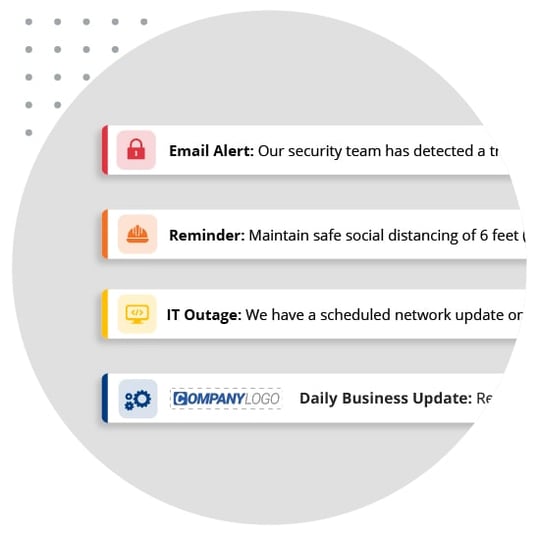
100% Readership Builds Employee Engagement
Tickers are flexible to give your messages the prominence you need – remain on screen or repeat until read.
Enrich your messages with company branding, hyperlinks, icons and RSS feeds for greater engagement.
Desktop ticker software ensures message cut-through is immediate, reliable and measurable, every time.
.jpg?width=540&height=540&name=desktop-ticker-functions-2-min-min%20(1).jpg)

Desktop Tickers are highly effective for updating staff on a variety of subjects, without interrupting their work.
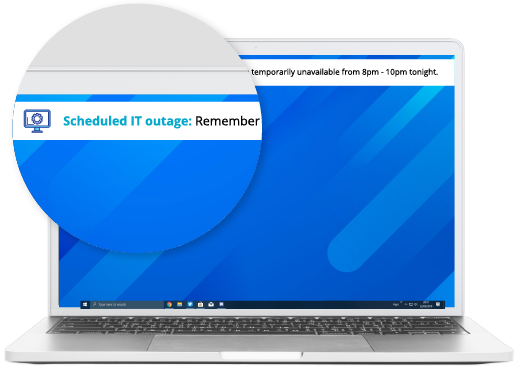
IT Communications
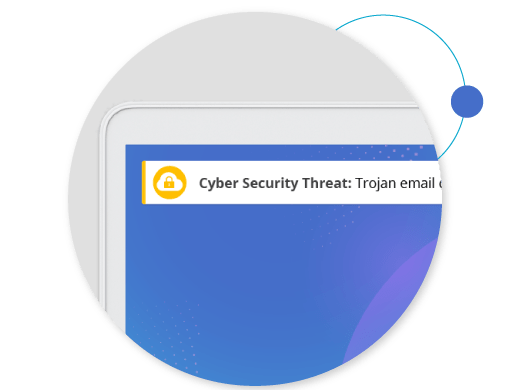
Cyber Security
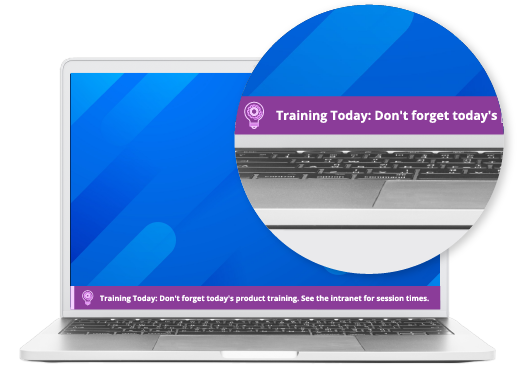
HR Communications
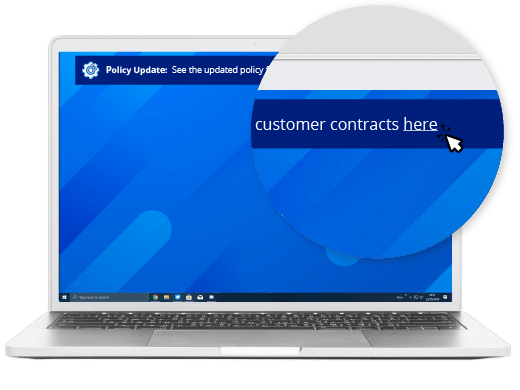
Compliance

Operations
- IT Communications
- Cyber Security
- HR Communications
- Compliance
- Operations











Learn more about how SnapComms can work
Get a free, no-obligation demo from one of our communication specialists and discover how SnapComms can help your organization.


 Multi-Device
 Accessibility
 Reporting
 Targeting
 Scheduling
 Recurrence
 Display
 Branding
 Templates
