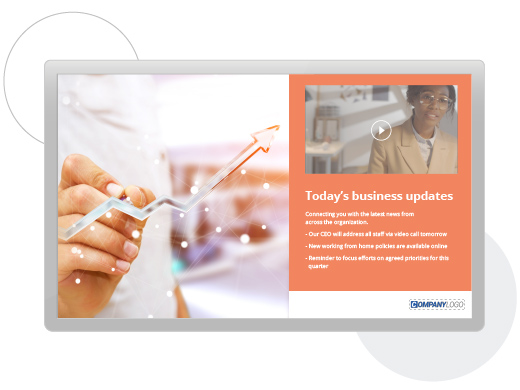
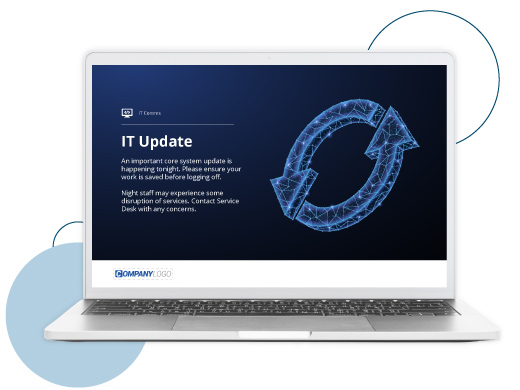
Corporate Screensaver Messaging
Corporate Screensaver messages are a great way to make staff aware of your internal communications without intruding,
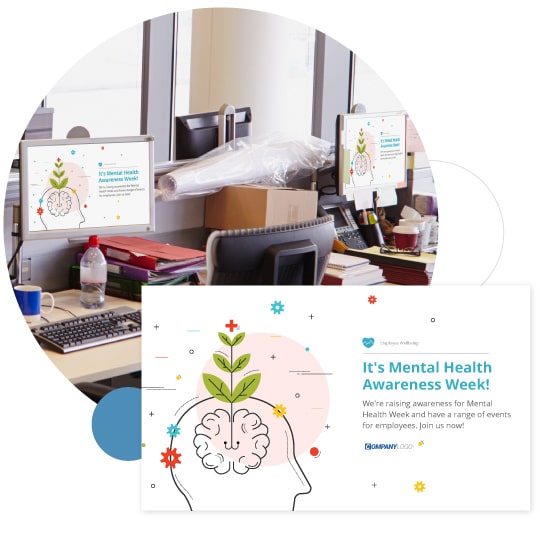
annoying or adding to the email burden. Think of Snap interactive screen savers as engaging, regularly changing, interactive
billboards around your business.
Snap's Corporate Screensaver messages work like standard screensavers – with some important advantages:
Not intrusive. Interactive screensaver messages can act as an effective 'push communications' channel that is not intrusive.
Easily managed, changed and administered by the internal
communications team. The IT team no longer have to deploy static corporate screensavers using group
policy. The internal communications team can now target engaging interactive screensaver messages to specified
staff groups whenever they are required.
Interactive. Direct staff to important new information on the intranet
or SharePoint. Snap's Corporate screensaver messages can contain multiple embedded hyperlinks directing staff to information
sources, to opt in to staff quizzes or polls or to find further information on the network or internet.
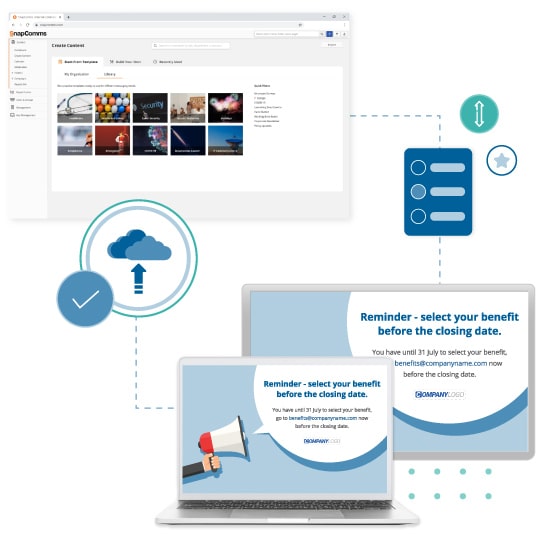
Change screensaver messages quickly and easily.
Power point slides, images with text, countdown clocks, even flash animations and video can be deployed quickly
and easily in a matter of minutes.
Target screensaver messages so that different groups of staff receive different content. Target
messages using existing network structures and/or create your own targeting groups allowing you to customize
communications to suit your different internal audiences.
Schedule screensaver messages for times when staff are most receptive. Internal communications
are delivered by screensaver when staff are in 'downtime' and hence they are more receptive. Pre-specify publish and expiry times to help manage internal communications content.
Tempt staff to find out more about business initiatives with click-through
links.
Brighten up office areas. Think of Snap screensavers as changing billboards around the
business.
Personalize. Let staff upload a personal image to sequence amongst their other screensaver messages.
Cost effective digital signage . Significantly more cost effective than
a traditional digital signage solution.
Corporate Screensaver Messaging Options
Options for engaging corporate screensavers include:
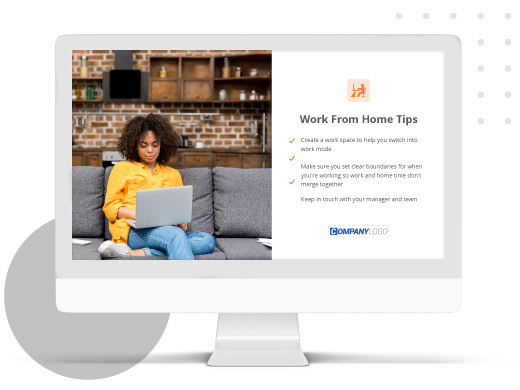
- Images with text. A picture speaks
a thousand words. Convey your message in seconds.
- Countdown clocks for important events or initiatives.
- Flash animation. Convert from power point animations or build animated
movies in flash.
- Html screensavers. Upload intranet pages, web pages, SharePoint content, anything
in html.
- Power Point slides and animated power point presentations.
- News feeds on screensavers. Ensure staff stay up to date with the latest scrolling news content.
- Video on screensavers. Multimedia screensavers can contain a range of different content types.
- Hyperlinks. Drive staff to further information on the intranet,
network, web etc.
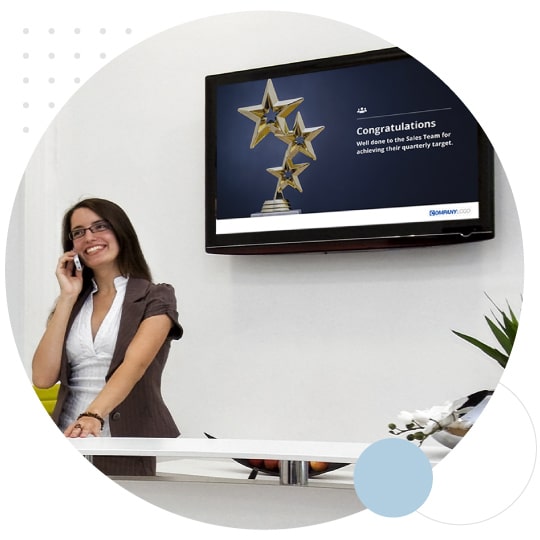
- Push content to plasma screens. For staff who do not use
computers regularly
You can design screensaver messages internally, typically in less than 15 minutes. Web sites like
www.bigstockphotos.com make it easy to find useful images. You can also develop templates (e.g. in Power
Point, Photoshop or similar applications) to advise staff about events, issue invitations, announce
breaking news, and update them onto the targeted employee's screensavers in just a couple of minutes.
Screensavers and Sustainability
Isn't power save mode better for sustainability? More organizations
are switching computers into power save mode rather than using screensavers. However, screensaver messaging has
an important part to play in sustainability initiatives. Even when computers are in power save mode,
energy is still being consumed. We recommend using screensavers to communicate for a short period of time before putting
computers into power save mode. Why?
- Even if a screen saver is communicating for just 5 minutes before power save kicks in, it offers
valuable internal communications real estate and messages do get seen.
- Screensavers are an excellent way to promote wider sustainability initiatives such as
switching off computers at night, switching off lights, recycling etc. An LBNL study that found that in the various buildings surveyed about 20%
of the monitors and 60% of the CPUs were left on all night. The cost versus impact equation is excellent
in favor of screensavers messages to promote sustainability (as well as other) messages..
- When power save causes a computer to turn on and off more than a few times each day it
can can shorten the working lives of some components meaning that components and/or computers have to
be replaced more frequently. Maximizing longevity of a computer is an important part of it's environmental
footprint. Even if your organization replaces a computer before it fails (which of course it typically
does) a working computer can be donated or recycled where as a failed computer typically needs to be
disposed of.
And just think of all the paper and printing that will no longer be required when interactive screensaver messages are
used instead!

Screensaver Messaging tool - FREE TRIAL