








10 Tips for Communicating Change to Employees:
Tip 1 - Prepare for Change
Constant change has almost become a norm, so challenge the status quo regularly to help employees become aware of the need for change, either now or in the future. Use staff quizzes to challenge the current situation. This is an example of a question you might include: “In our changing industry, which will be the most effective way to do business in the future? A, B or C?”
To ensure high employee participation, use a quiz format that is delivered directly onto targeted employee’s computer screens with display recurrence options based on the user’s response.
Change communication tool = Desktop Quiz tool
Tip 2 - Customize and Target Messages
Avoid a ‘one size fits all’ approach to communicating change. During organizational change it is particularly important to customize and target messages to meet the needs of the different employee groups within your organization.
Change communication tool = Targeted desktop messaging
Tip 3 - Ensure Change Communications are Timely
Desktop Alert to Communicate Change Quickly and Effectively
Fast and effective message cut-through
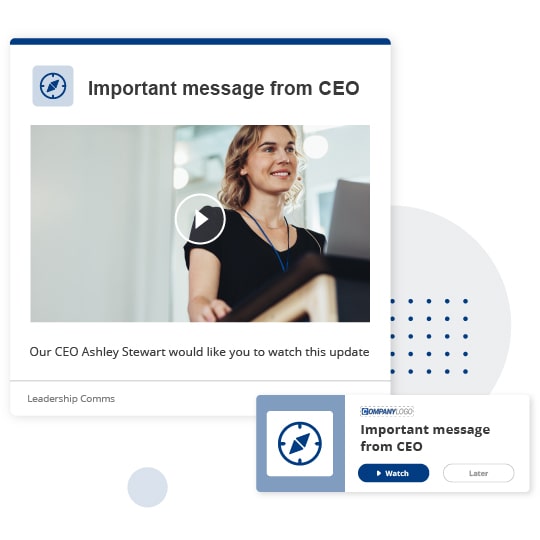
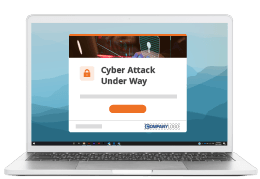
Use Desktop alerts as an effective way to draw employees’ attention to important or urgent messages.
Prepare and pre-schedule messages
Set up change communications in advance to prepare for, and respond quickly to, staff feelings and feedback. During change, pre-schedule messages to ensure that employees hear about changes at the same time that you advise the market or the media.
Change communication tool = SnapComms messaging scheduling & Desktop Alert tool
Tip 4 - Listen and Keep Listening
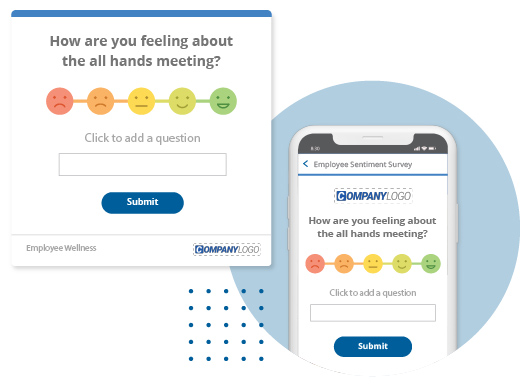
Change Communications Survey Example
Gauge employee attitudes to change
Survey employees to gauge their attitudes towards organizational changes and assess how well they understand them.
Keep your finger on the pulse
Survey employees regularly as a temperature check and test that your change strategies are working every step of the way. Target dedicated surveys to specific groups of staff (e.g. to check whether you are making progress with a resistant group).
Virtual meetings
Use online discussion forums to run ‘virtual meetings’ where employees can share ideas and opinions and, if they need to, let off steam (which may be necessary during the ‘denial’ and ‘reaction’ strategies of the change curve). Let people post ideas anonymously to find out what employees really think. Use secure forums that allow you to moderate conversation and target access rights to specific groups of employees.
Manage Rumors Effectively During Change with Employee Forums
Manage rumors
When employees feel unsure they may clam up or communicate rumors. Discussion forums let them post their concerns and comments (anonymously if necessary) so that you understand and can address the rumors that are circulating. You could even name a dedicated forum ‘the rumor mill’ and encourage people to post any rumors they’ve heard so that the business can confirm or correct them.
Collect feedback and report on it
Include a section in the internal newsletter or a feature on the intranet called “Great feedback we’re working with”. Highlight how you are using staff’s constructive comments to improve the business and the way you manage and communicate the change.
Change communication tools = SnagMag, Desktop Surveys &Internal Social Media
Tip 5 - Ensure Face-to-Face is Effective
Ensure as many employees as possible attend face-to-face briefings. During times of change, it may be difficult to get everyone in a room at the same time. Provide alternative options for times and venues and monitor which employees are attending which sessions. This helps you plan your logistics (e.g. room sizes and catering) and close off specific time slots and locations as they fill up.
Change comms tool = Targeted RSVP Alert tool
RSVP Alert Tool Example
Reinforce face-to-face executive communications
Get respected managers to blog about the change. Encourage staff to ask questions and raise issues both before and after face-to-face briefings. This will help managers address concerns and employees to buy into changes. Manager blogs will also help employees realize that managers are human too and that they are not forcing change on people simply to make life difficult.
Measure and manage information cascade
Measure how well your managers are communicating change with their teams. Use surveys and polls to understand how well each employee understands the main messages about the change and link the survey results back to individual managers as a measure of communications effectiveness. What gets measured usually gets focus and priority.
Change comms tools = Desktop Surveys, Internal Social Media & RSVP Alerts
Tip 6 - Support Employees During Change
Tools for Effective Change Communication
Provide employee help desks
Set up online help desks for when employees want quick answers to their questions. Ensure alert notifications are automatically sent to moderators when a new question is posted. Staff will see a quick reply as a sign that the organization cares about them. By contrast, a slow reply may fuel dissatisfaction and anxiety.
Change communication tool = Internal Social Media & Desktop Alert notifications
Tip 7 - Paint a Picture of the Future
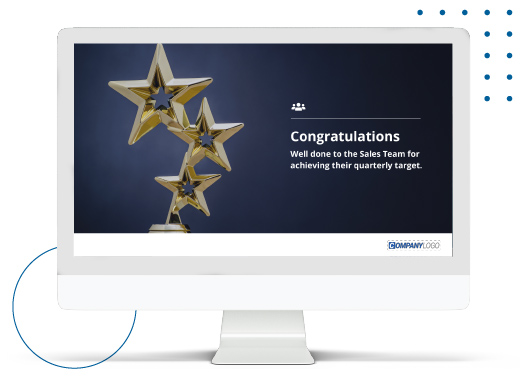
Change Communications Screensaver Example
Tell Stories
Include articles in the internal newsletter or on the intranet to show how employees are modeling new values or putting in place new strategies. If possible, allow them to submit their stories directly.
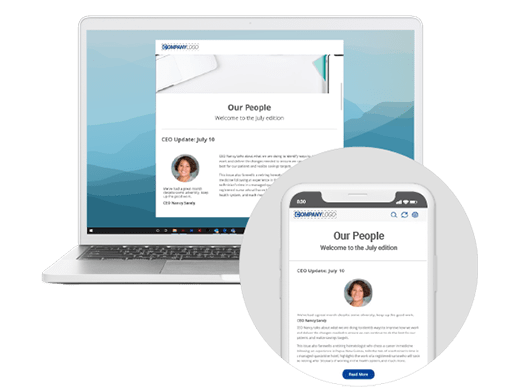
Change communication tool = Internal Newsletter tool
Digital signage on screensavers
Pictures paint a thousand words. Use interactive screensaver messages for change communications and to portray a positive picture of where the organization and its products are headed. Broadcast them around your organization to capture employee’s imagination in an appealing, visual way.
Change communication tool =Screensaver Messaging tool
Scenario quizzes
Help employees visualize the change working for them. Ask scenario questions. For example, “The new XYZ technology will help me do A, B, C, or D or all of the above?” Offer prizes to encourage staff to take part. Include humorous or trick questions and answers to lighten the tone and make the staff quiz fun.
Change communication tool = Desktop Quiz tool
Tip 8 - Make it Easy for Managers to Communicate Change Effectively
Communicating Change Effectively through Blogs
Provide secure discussion forums
for managers to meet online to discuss strategies, share ideas and plan in an asynchronous way. This is especially useful when managers work in different locations.
Change communication tool = Internal Social Media
Scrolling desktop news feeds
Set managers or their PAs up as news feed administrators and let them target and send their teams scrolling desktop updates. This is a good way to make sure that teams see information that is directly relevant to them as soon as it becomes available.
Change communication tool = Desktop News Feeds
Desktop Scrolling News Feed Delivering Change Communications
Video updates
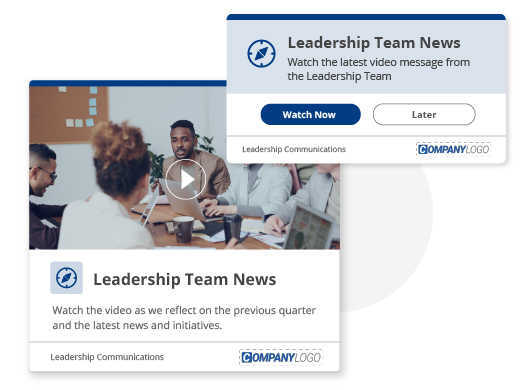
Create video updates relevant to specific employee groups. Work with managers to make messages as relevant as possible to the different groups. Use reporting options to see which employees have watched the video.
Change communication tool = Video Desktop Alerts
Provide advance notification
Update managers before their teams receive certain types of new information. This gives them time to plan how they will react when their teams hear news, and to be prepared to answer their possible questions.
Change communication tools = Desktop News Feeds & message scheduling/targeting
Tip 9 - Focus on Employee Engagement During Change
Measure Impact of Changes
Involve staff
Use Staff surveys to involve employees and find out their views. Consider letting employees respond anonymously for maximum candor. Every problem uncovered is a problem that you can address.
Change communication tool = Desktop Survey tool
Celebrate new beginnings
Allow employees to contribute their own articles to the internal newsletter or intranet. Encourage them to tell their own stories about how the changes are working for them.
Change communication tool = Internal Newsletter tool
User Generated Staff Magazine
Repeat key messages. Repeat your main messages in a range of ways to ensure that they don’t become boring or are seen as ‘wall paper’.
Change communication tools = Multiple communication channels
Staff Quizzes as part of Change Communications
Inject fun and involve people
Use a Staff quiz to ask employees to name new ways of working (e.g. new systems, projects) or suggest improvements. Offer prizes for the best ideas and recognize them using Screensaver Messages and articles in the internal newsletter.
Change communication tool = Desktop Quiz tool
Tip 10 - Measure Results and Celebrate Successes
Measure Results of Changes with Surveys
Benchmark and track trends
Survey staff to assess what’s working, measure attitudes, understanding and to track trends.
Monitor the tone of conversations
Monitor comments made in employee discussion forums. This can provide valuable, qualitative information that measures how employees are feeling and how well they are engaged in the organizational change.
Highlight and celebrate success
Screensaver messaging provides a visual, engaging way to highlight and celebrate success during the change. Target Screensaver Messages to specific employee groups to celebrate companywide successes as well as small local wins.
Profile success stories
Use an internal newsletter as an engaging way to document success. Encourage employees to submit articles that talk about what they have achieved (e.g. simpler ways of working, important milestones met).
Change communication tools = Desktop Survey tool, Internal Social Media, Screensaver Messaging tool & Internal Newsletter tool
Related Resources