Employee Survey Software
Capture And Measure Employee Engagement With Surveys

Direct To Screen Delivery For 100% Response
Measuring employee engagement and company culture is essential for HR departments.
Employee feedback and suggestions provide valuable insights on staff satisfaction, workplace health and business performance.
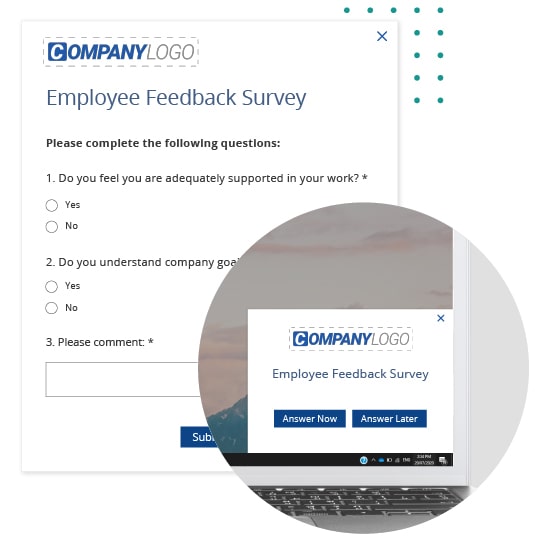
SnapComms Surveys are a powerful feedback tool. Pop-up notifications appear directly on employee screens. The unmissable format drives higher response rates than traditional email or browser-based surveys.
Turn Data Insights Into Business Improvements
Survey data provides essential intelligence to support your business goals.
Improve employee experience and culture. Drive positive change by identifying issues and solutions. Enable actionable decisions.
SnapComms Surveys provide instant insights from employee responses. Dashboard reporting shows high-level results, while all data can be easily exported for further analysis and dissemination.
Every Survey Need - From Pulse to NPS
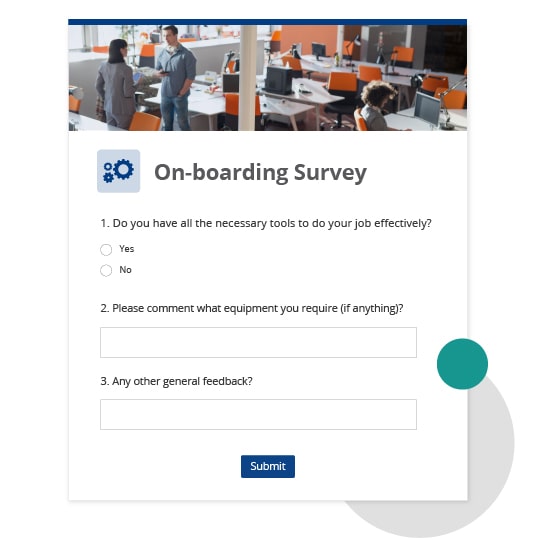
SnapComms Surveys offer versatile formats to capture the information you need – from pulse surveys and employee wellbeing to COVID-19 check-ins.
Combine multiple-choice, multiple selection, single answers and open-ended answers. Customize the design with your company branding. Engage discrete groups of employees using advanced targeting settings.
Use SnapComms to guarantee 100% response rates for your surveys through automated reminders until employees respond.


Use Surveys to improve employee engagement and sentiment, whilst also ensuring your employees are informed and adhering to latest policies.
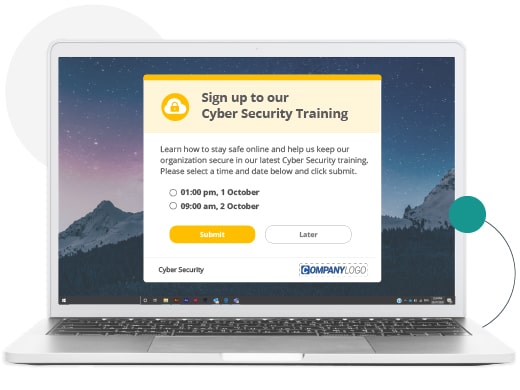
Training
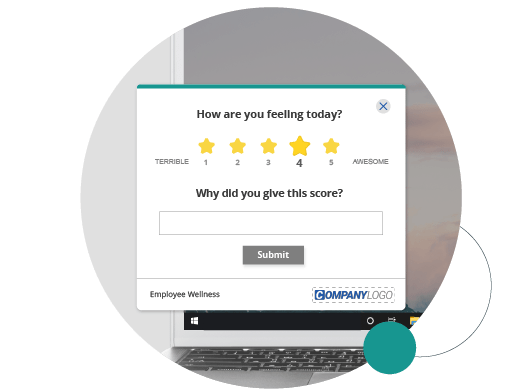
Employee Sentiment
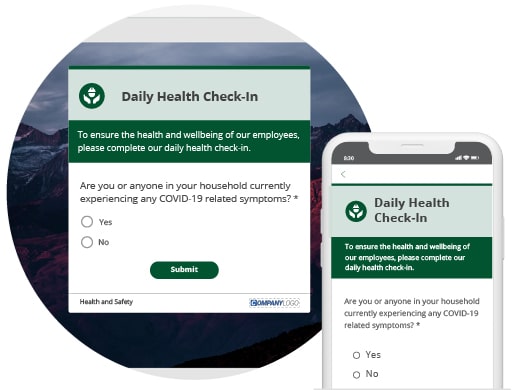
Health Check-In
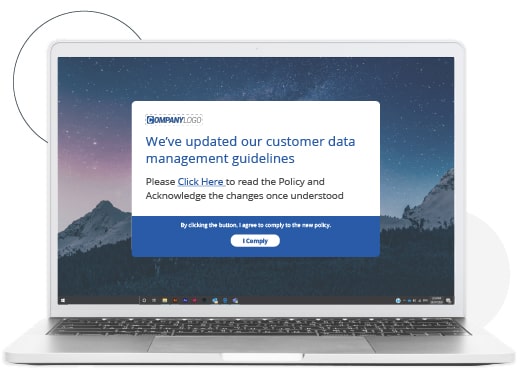
Compliance
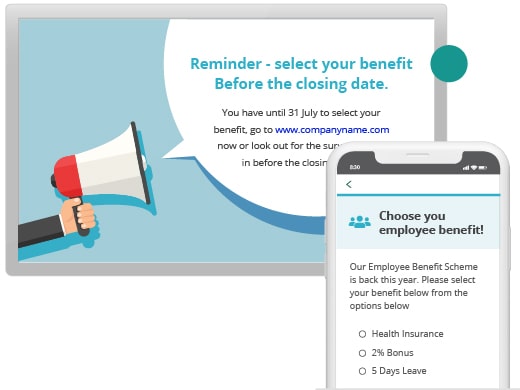
Employee Benefits
- Training
- Employee Sentiment
- Health Check-In
- Compliance
- Employee Benefits









VP Human Resources, NorthStar


Learn more about how SnapComms can work
Get a free, no-obligation demo from one of our communication specialists and discover how SnapComms can help your organization.


 Multi-Device
 Accessibility
 Reporting
 Targeting
 Scheduling
 Recurrence
 Display
 Branding
 Templates
